

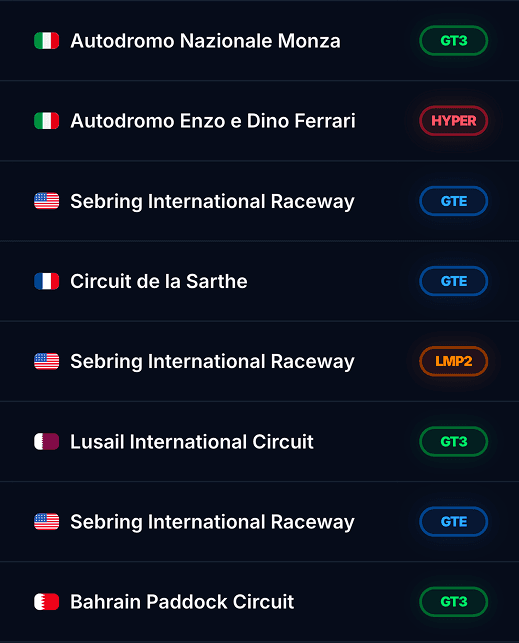
Session History
Browse every session in one place — filter by car, track, and date.
Upload your racing data. Analyze your performance.Find time everywhere.
Built with passion for
Dive deep into your racing data with our advanced MyLMU Telemetry. Visualize lap traces, compare ghost laps, and unlock your performance potential.
Ask questions about your telemetry, session results, and setups. Get concise, actionable feedback, built for sim racers, not generic chat.
MyLMU Coach v0.2
Race in Le Mans Ultimate, let the Sync Agent handle your result and telemetry files, and land on your MyLMU dashboard automatically—no manual uploads.
> Watching Results folder…
Finish a session and Le Mans Ultimate writes your result XML to Results—and telemetry files to your Telemetry folder.
MyLMU Sync Agent
Watching Results folder…
The tray app watches your Results and Telemetry folders, picks up session XML and telemetry files, and uploads them quietly in the background.
Waiting for session…
Sessions and telemetry appear in your dashboard automatically—stats, history, and channel data when enabled.
> Watching Results folder…
LMU saves result XML to Results and telemetry files to your Telemetry folder.
MyLMU Sync Agent
Watching Results folder…
Watches Results and Telemetry folders and uploads session and telemetry files in the background.
Waiting for session…
Sessions and telemetry show up automatically—ready to analyze.
Bring your MyLMU team to Discord with automated lap record and race results notifications—perfect for keeping everyone on the same page between sessions.
Team settings → Discord
Paste a Discord webhook URL in your team settings—no OAuth or bot setup required.
Waiting for events…
When results upload or a driver sets a new lap record, MyLMU detects the event for your team.
Waiting for notification…
Lap record alerts and race result embeds land in Discord the moment they happen.
Team settings → Discord
Add a webhook URL in team settings—no bot setup needed.
Waiting for events…
Uploads and lap records trigger notifications automatically.
Waiting for notification…
Lap records and race results post to your server instantly.
Browse every session in one place — filter by car, track, and date.
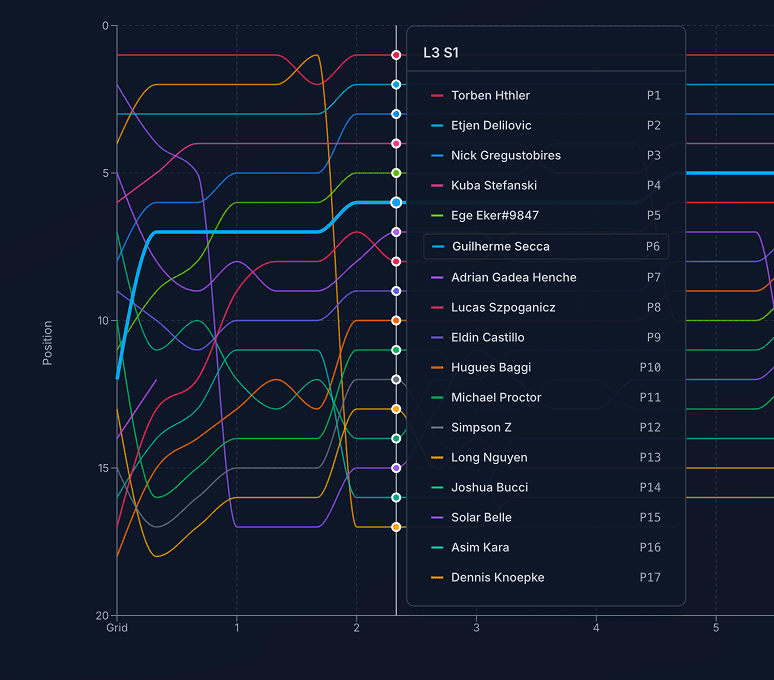
Full session breakdown — laps, stints, incidents, and results.
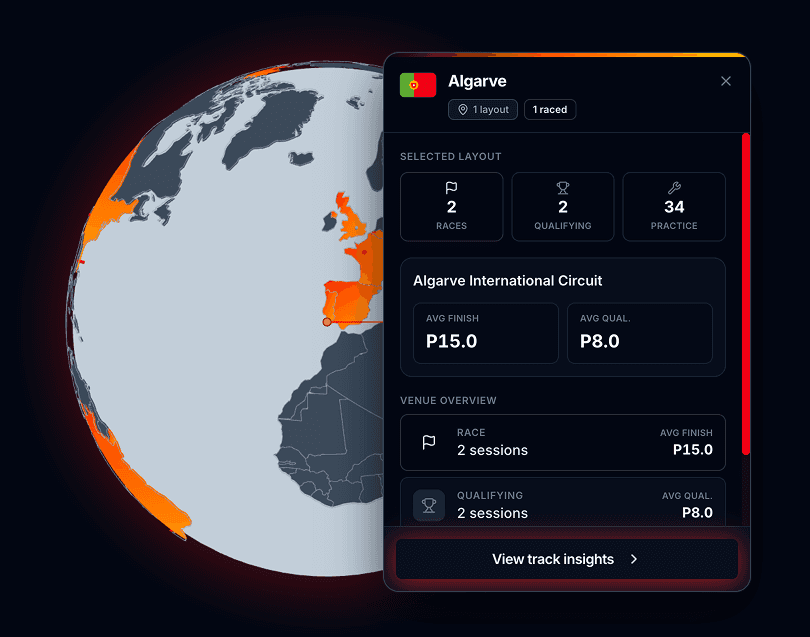
Per-circuit performance — sectors, consistency, and lap trends.
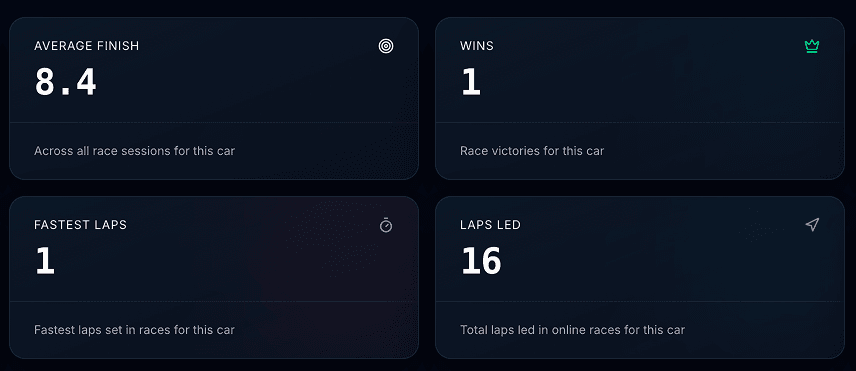
Cross-session stats — win rate, average finish, and improvement over time.
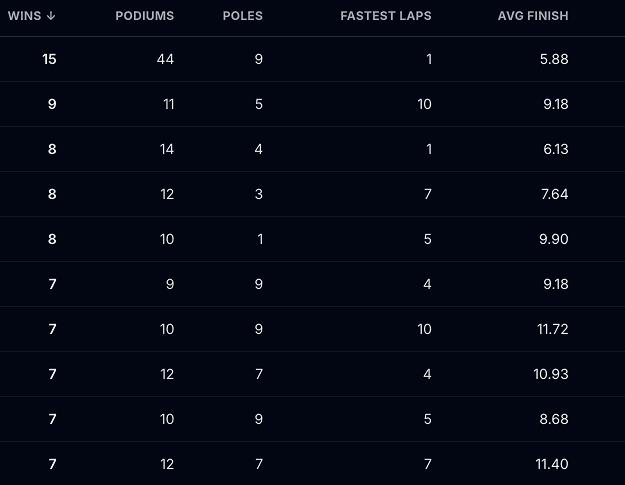
See how you stack up — compare laps and stats with other racers.
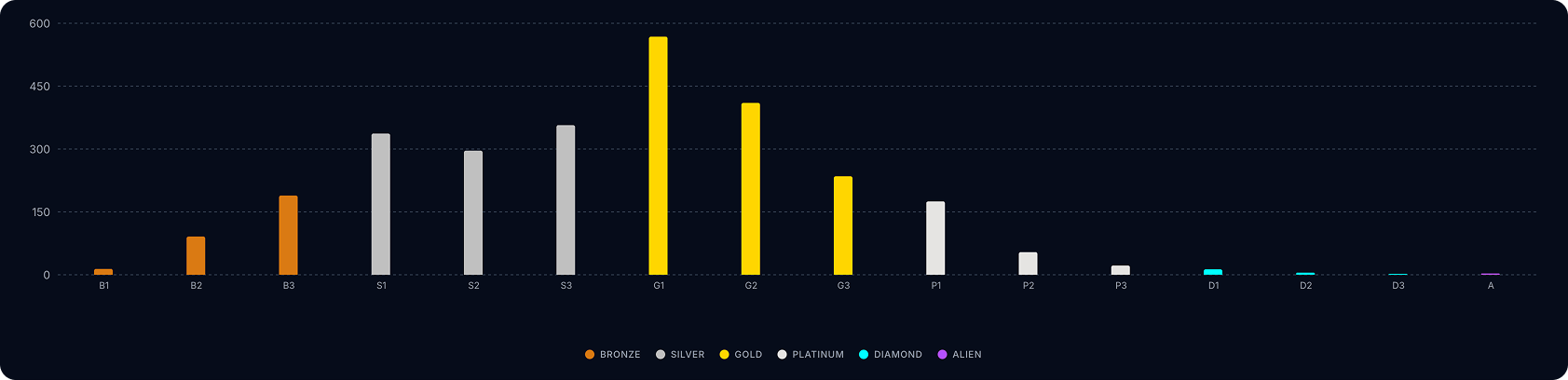
Per class rankings — see how you stack up.
Teams and creators who help drivers get more from every session.
Team partners