

MyLMU Logo
Documentation
Sign inGet Started
LeaderboardLeaderboard Troubleshooting
Getting Started
Product Overview
MyLMU App
MyLMU Telemetry
MyLMU Coach (AI)
MyLMU Sync Agent
Sessions
Getting Started
Session History
Session Details
Import
Sync Agent
Analytics
Milestones
MyLMU Telemetry
Getting Started
File Library
Telemetry Viewer
Leaderboard
Telemetry LeaderboardLeaderboard Filters and ScopesComparing Leaderboard LapsLeaderboard Troubleshooting
Teams
Plans & Limits
AI Coach
Troubleshooting
MyLMU Sync Agent
Getting Started
Sessions Sync
Telemetry Sync
Daily Usage
Troubleshooting
Privacy & Security
MyLMU Coach (AI)
Getting Started
Coaching Modes
Coach Features
Troubleshooting
Privacy & Terms
Teams
Getting Started
Team Dashboard
Sharing with Your Team
Discord & Alerts
Team Calendar
Profile
Plans & Limits
Rankings
Getting Started
Skill & Discipline
Placement & Tiers
Community Leaderboard
Driver Profiles
Sessions & Imports
Notifications
Plans & Limits
Troubleshooting
Community
Getting Started
Activity
Leaderboards
Friends
Friend Groups
Lap Records
Track & Car Stats
Weekly Meta
Overall Community Stats
Feature Requests
Privacy
Troubleshooting
Misc
Opening Settings
Account & Data Lifecycle
Profile
Notifications
Appearance
Feedback
Using the Documentation
DocsMyLMU TelemetryLeaderboardLeaderboard Troubleshooting

Leaderboard Troubleshooting

Fix empty MyLMU telemetry leaderboard states, filter issues, and common display problems.

Last updated July 15, 2026

Summarize this page with AI
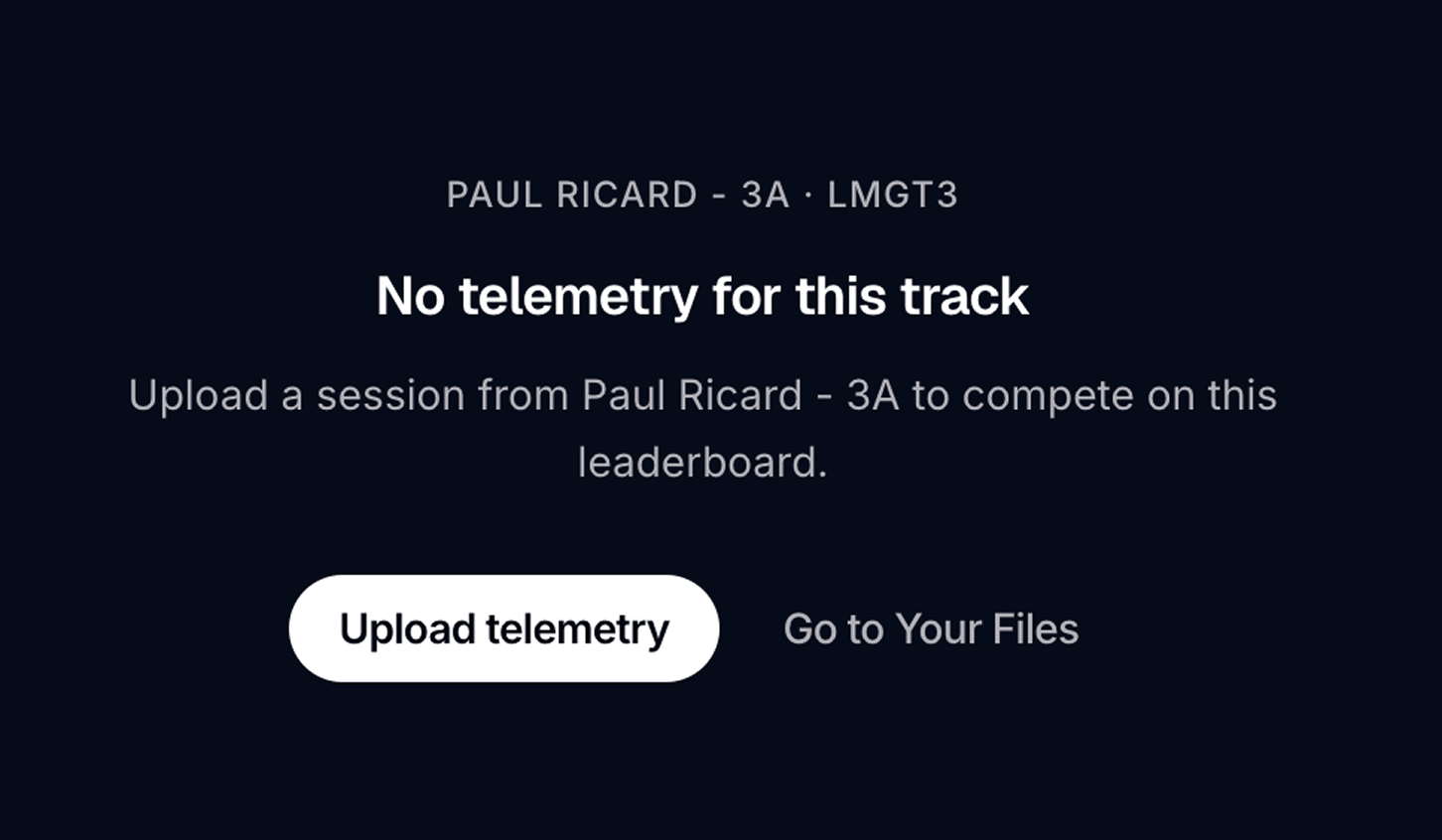
Telemetry Leaderboard — empty or filtered state

No entries for my track

  • Confirm at least one public lap exists for that track/car combination
  • Widen Period to All time
  • Check Weather and Session type filters aren't too narrow

Friends scope empty

  • Follow other drivers who have public telemetry laps
  • They must follow you back for mutual "friends" eligibility

Team scope empty

  • Join or create a team
  • Team members must share telemetry to the team library

Compare button disabled

  • You need a file on the same track (and typically same car class)
  • Daily community lap view limit may be reached (Free)

Lap time looks wrong

Telemetry lap times come from high-frequency sampling and may differ slightly from official session results. See Not on leaderboard.

Metadata missing on entry

If an entry shows incomplete car, track, or lap data, the original telemetry file may not have recorded full metadata. Try opening the lap in the viewer — MyLMU may fill in missing details when possible.

Was this page helpful?

PreviousComparing Leaderboard LapsNextTeams

On this page

  • No entries for my track
  • Friends scope empty
  • Team scope empty
  • Compare button disabled
  • Lap time looks wrong
  • Metadata missing on entry

Was this page helpful?

Documentation

  • Getting started
  • Product overview
  • Sessions
  • MyLMU Telemetry
  • MyLMU Sync Agent
  • MyLMU Coach (AI)
  • Teams
  • Rankings
  • Community
  • Misc

Product

  • Open dashboard
  • Sync Agent
  • Contact
  • Pricing
  • Changelog
  • FAQs
  • Branding

Community

  • Instagram
  • Community forum
  • YouTube
  • X

© 2026 MyLMU

•Privacy Policy•Terms of Service•Cookie Policy