



The Sync Agent bridges Le Mans Ultimate and MyLMU. Instead of manually uploading files after every session, the app watches your game folders and uploads new files as they appear.
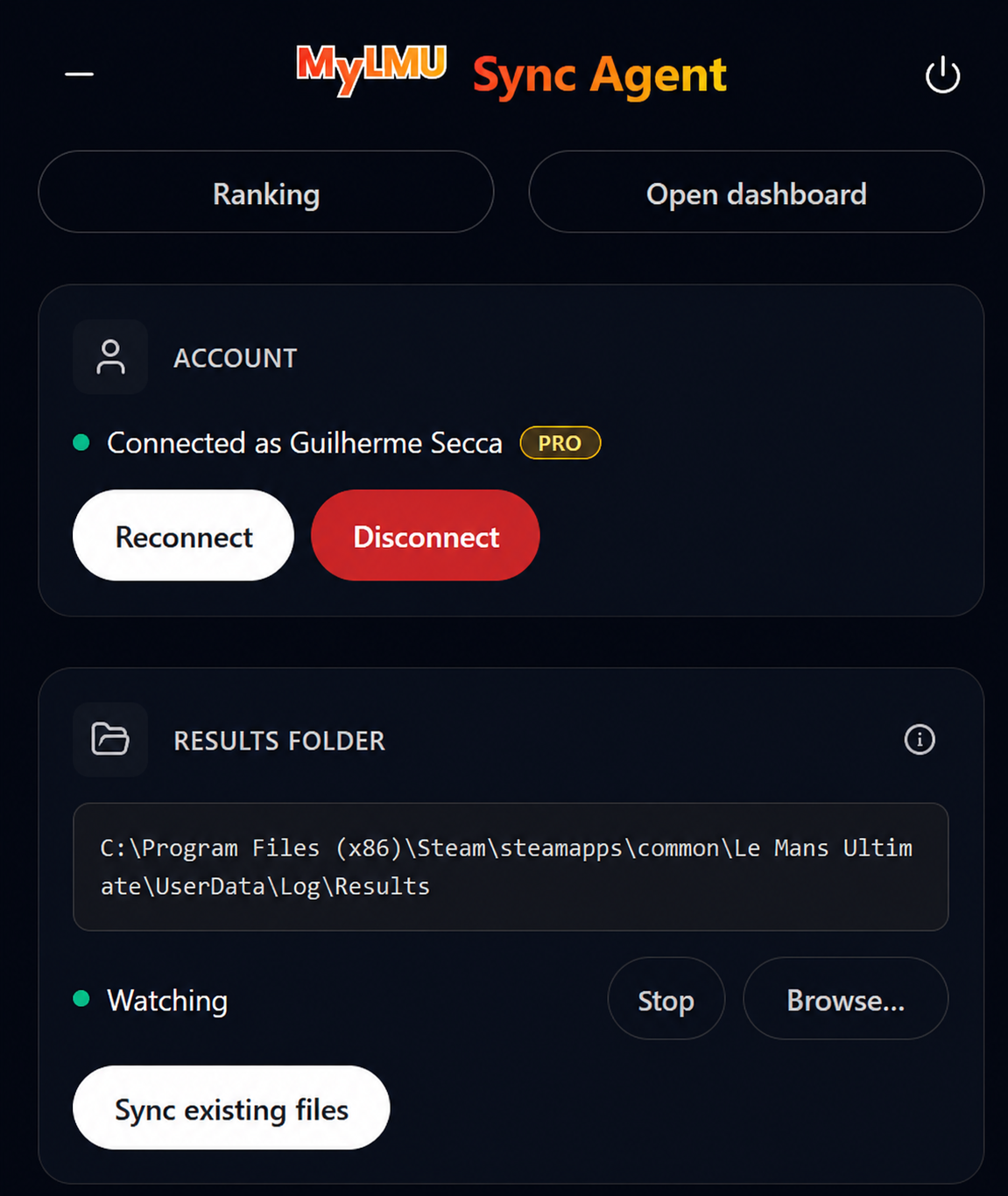
How it works
You finish a session in LMU
        ↓
LMU writes files to UserData/
        ↓
Sync Agent detects new files
        ↓
Files upload to your MyLMU account
        ↓
Sessions and telemetry appear in your dashboard
Session results (.xml)
After every race, qualifying, or practice session, LMU saves a result XML to:
Le Mans Ultimate/UserData/Log/Results/
The Sync Agent uploads these to your Sessions history — same data as manual import, but automatic and without the 500-file batch limit.
Telemetry (.duckdb)
When telemetry recording is enabled, LMU saves recordings to:
Le Mans Ultimate/UserData/Telemetry/
The Sync Agent uploads these to your Telemetry library. Pro subscription required.
Compared to manual upload
| Manual (browser) | Sync Agent | |
|---|---|---|
| Sessions | Drag-and-drop, 500 files per batch | Automatic, no batch limit |
| Telemetry | Upload button, monthly quota | Automatic (Pro) |
| Timing | When you remember | After every session |
| Background | Browser tab must be open | Runs in system tray |
Requirements
- MyLMU account with driver name set in Settings (required for session matching)
- Le Mans Ultimate installed via Steam
- Windows 10/11 or modern Linux (Ubuntu/Debian/Fedora/Arch)
- Internet connection
- Pro for telemetry folder monitoring